
















Moto Maniac 2 Screenshots
Who Should Play
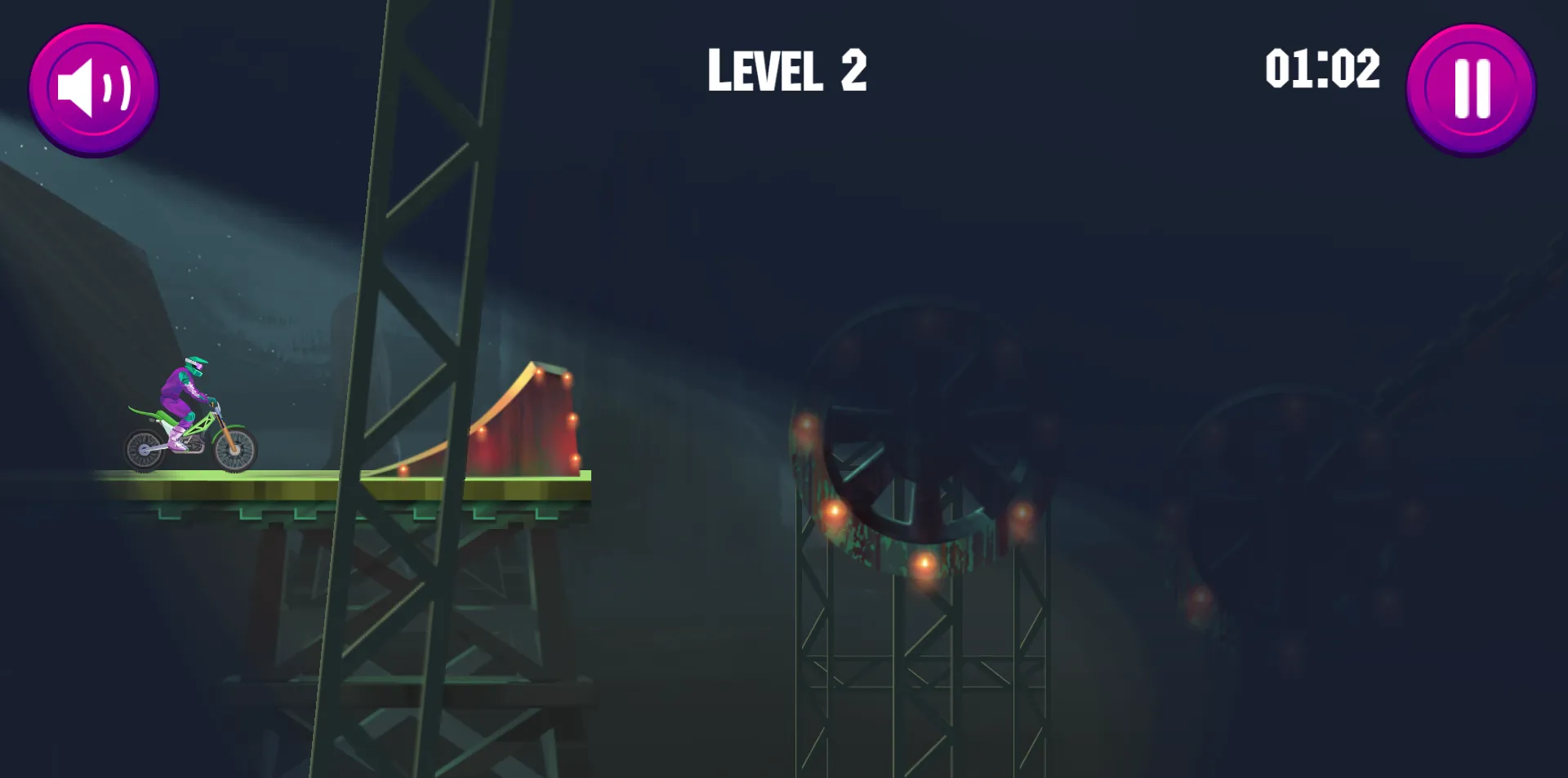
The core objective of Moto Maniac 2 is to navigate your motorcycle through all obstacles on a nighttime construction bridge at top speed and safely reach the level's endpoint. Throughout the journey, you must skillfully control the motorcycle's posture to dodge roadblocks, deep pits, and low-hanging obstacles, avoiding plunges into abysses or collisions that fail. By minimizing completion times and reducing mistakes, you earn higher scores and continuously break their personal best records. Conquer levels across diverse terrains to unlock increasingly challenging tracks and become the ultimate motorcycle obstacle master.
How to Play
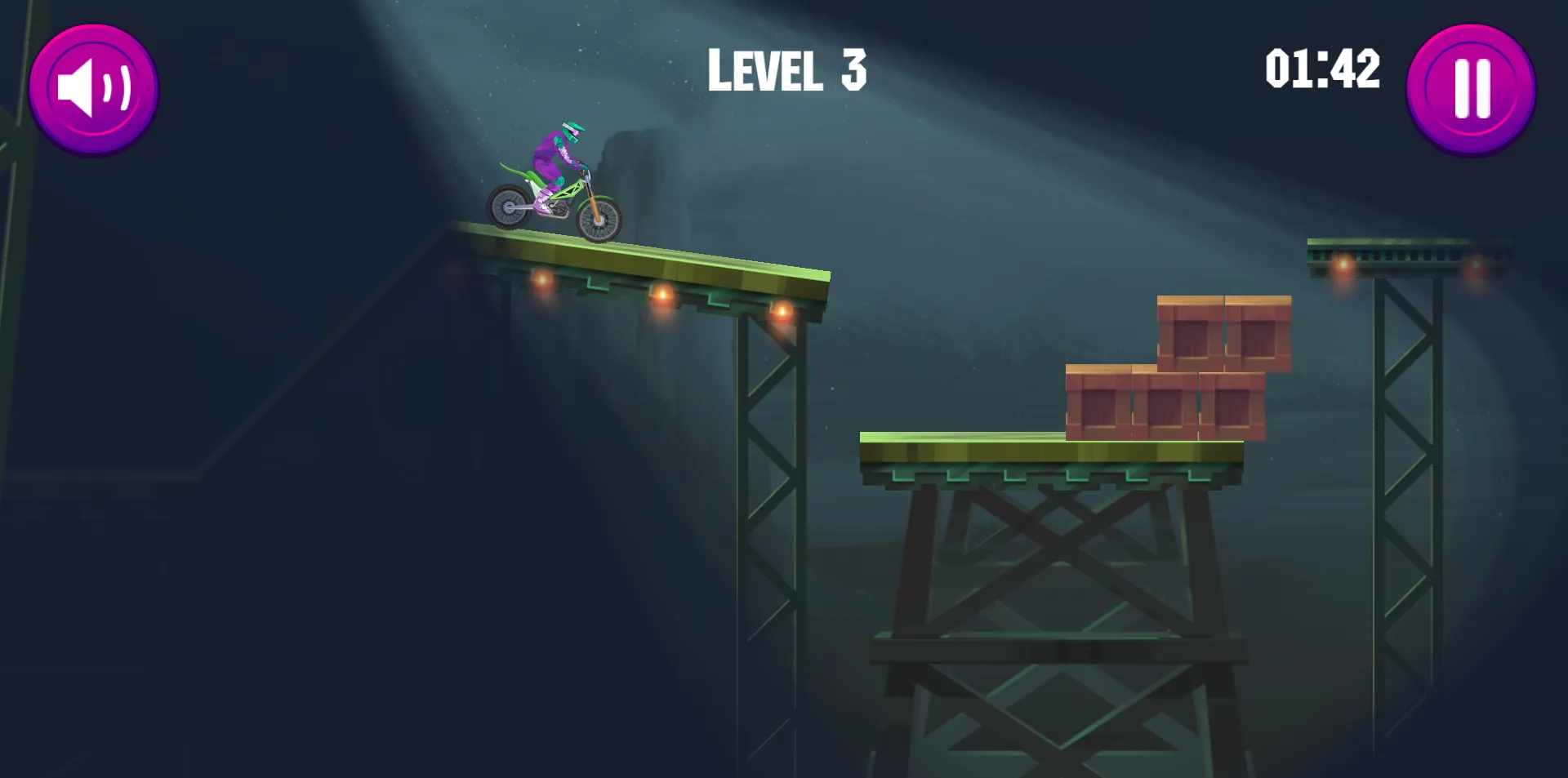
- The game progresses through levels, each set in a nighttime bridge construction scene. Obstacle types (such as construction barriers, deep pits, and low steel frames) and their distribution are randomly generated, with level difficulty increasing progressively as you advance.
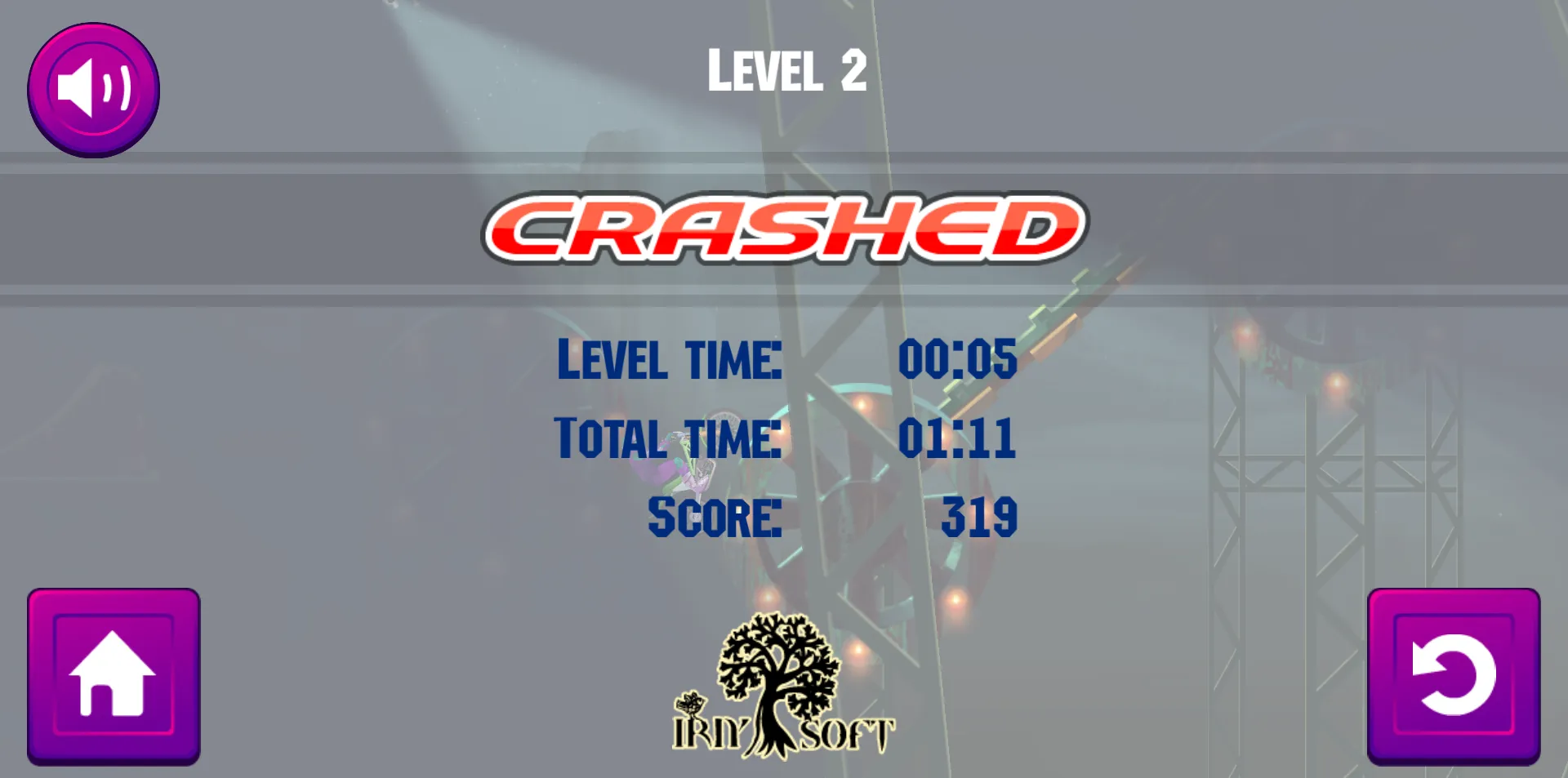
- When navigating obstacles on a motorcycle, you must avoid two core failure conditions: falling into the abyss beneath the bridge or colliding with low obstacles that cause the vehicle to overturn. Triggering either condition results in mission failure, requiring you to restart the current level.
- The drone serves as the default auxiliary tool, automatically following the motorcycle throughout the journey while illuminating the path ahead.
- The system records two core metrics in real time: stage completion time and total time spent. It simultaneously calculates stage scores based on clearing speed and number of mistakes—the shorter the time and the fewer the errors, the higher the score.
- After failing a level, you can immediately retry the current stage. Obstacle placement remains unchanged, allowing you to adjust the driving strategy for another attempt. Upon clearing a level, you automatically advance to the next stage with no additional unlock requirements.
- The game supports pausing at any time. Time is not recorded during pauses. Upon resuming, you can continue the current level challenge without affecting level statistics.
Game Controls
- Forward Acceleration: Press W or ↑ to accelerate the motorcycle forward. Hold to maintain high speed.
- Reverse Deceleration: Press S or ↓ to slow down or reverse the motorcycle, useful for adjusting position.
- Lean Backward: Press A or ← to tilt the motorcycle backward, ideal for climbing slopes or preventing the front wheel from falling into deep pits.
- Lean Forward: Press D or the → arrow key to tilt the motorcycle forward, suitable for descending slopes or avoiding low obstacles;
- Pause Game: Press P to pause the current level. Press it again to resume gameplay.
Frequently Asked Questions
No. The system sets the drone's illumination range and will always follow the motorcycle's movement, ensuring the core driving area ahead remains illuminated to meet basic obstacle-detection requirements. The illumination range cannot be manually adjusted. You can adapt to the illuminated field of view by controlling the motorcycle's speed to avoid obstacles.
Yes. If you fall into the abyss or fail a headbutt during a level, the time recorded for that level will be reset. When you retry, a new completion time will be tracked from scratch. This won't affect your historical best times for already cleared levels, but it will contribute to your cumulative total time.
Body tilt is a crucial technique for clearing obstacles. When encountering uphill sections or when the front wheels are about to sink into deep pits, press the A/← key to tilt backward, lifting the front wheels to avoid tipping over. When facing downhill sections or low obstacles, press the D/→ key to tilt forward, lowering the vehicle to prevent hitting the front. You can adjust the tilt angle in real-time based on the terrain.
The current version does not support leaderboards. The system will only record your personal best time and highest score for each level.