









Mechabots Screenshots
Who Should Play
In Mechabots, your main objective is to follow the detailed blueprints to successfully assemble a fully functional mechanical robot. Snap together the inner skeleton, bolt on the armor, and use specific workshop tools to secure every component.
You must ensure every part matches perfectly and is locked in place. Once the final piece is attached, the robot powers online, the level is cleared, and you get to test its weapons!
How to Play
🎮 Core Gameplay
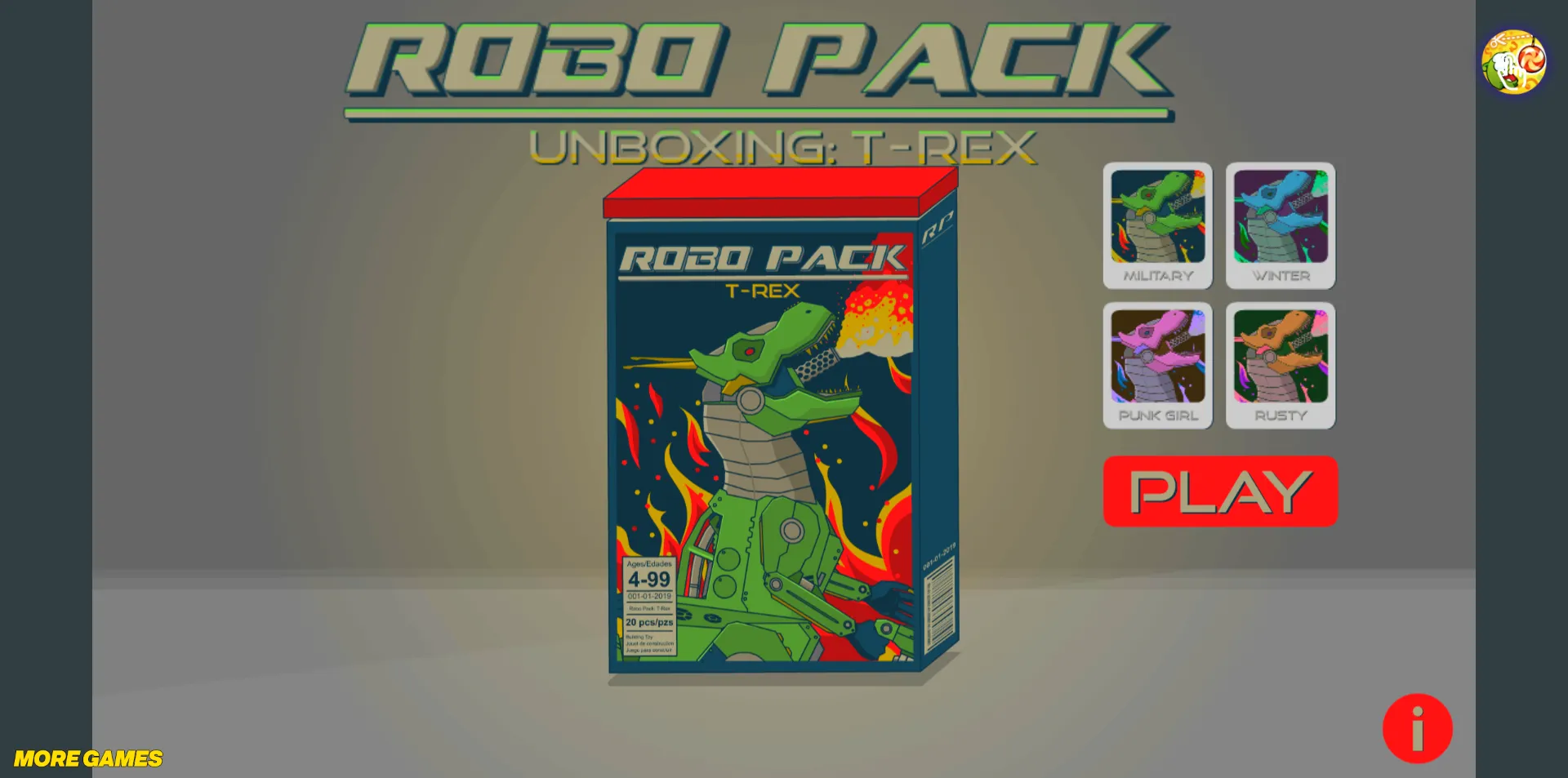
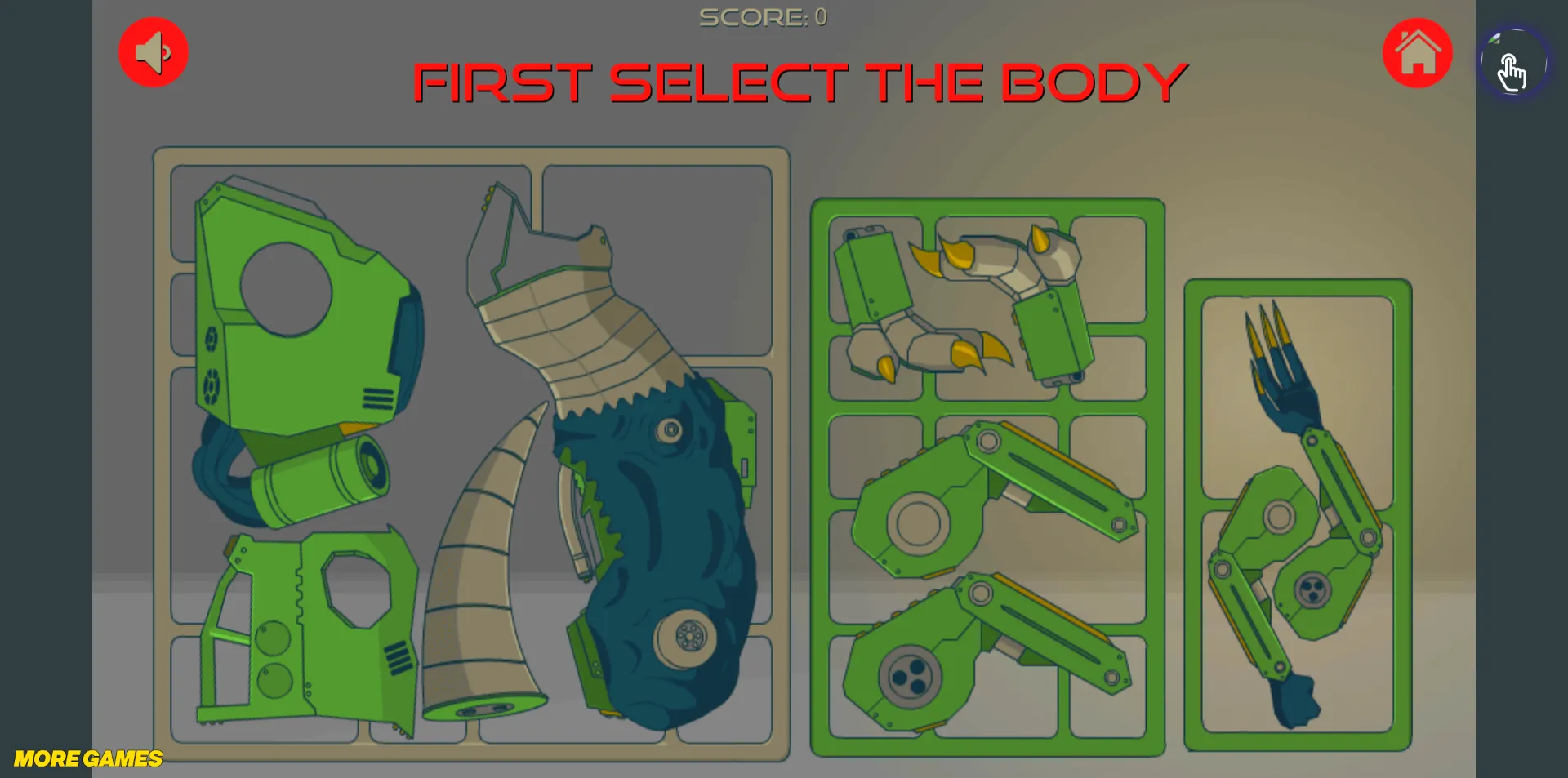
The heart of Mechabots lies in selecting a model, following a step-by-step assembly process, and watching the final action showcase. You start by picking a badass mech design. The game then guides you through unboxing the sprues, snipping the parts, snapping them onto the frame, and using power tools to weld, screw, and polish the structure. You get to enjoy the tactile thrill of building a Gunpla-style model digitally. Once the mech is fully constructed and painted, you enter the Showcase Mode, where you can trigger its devastating weapons and admire your handiwork in all its high-tech glory!
🧰 The Tool Kit
-
Energy Welder: Used to heat and fuse critical joints and structural points, ensuring the skeleton is rock solid.
-
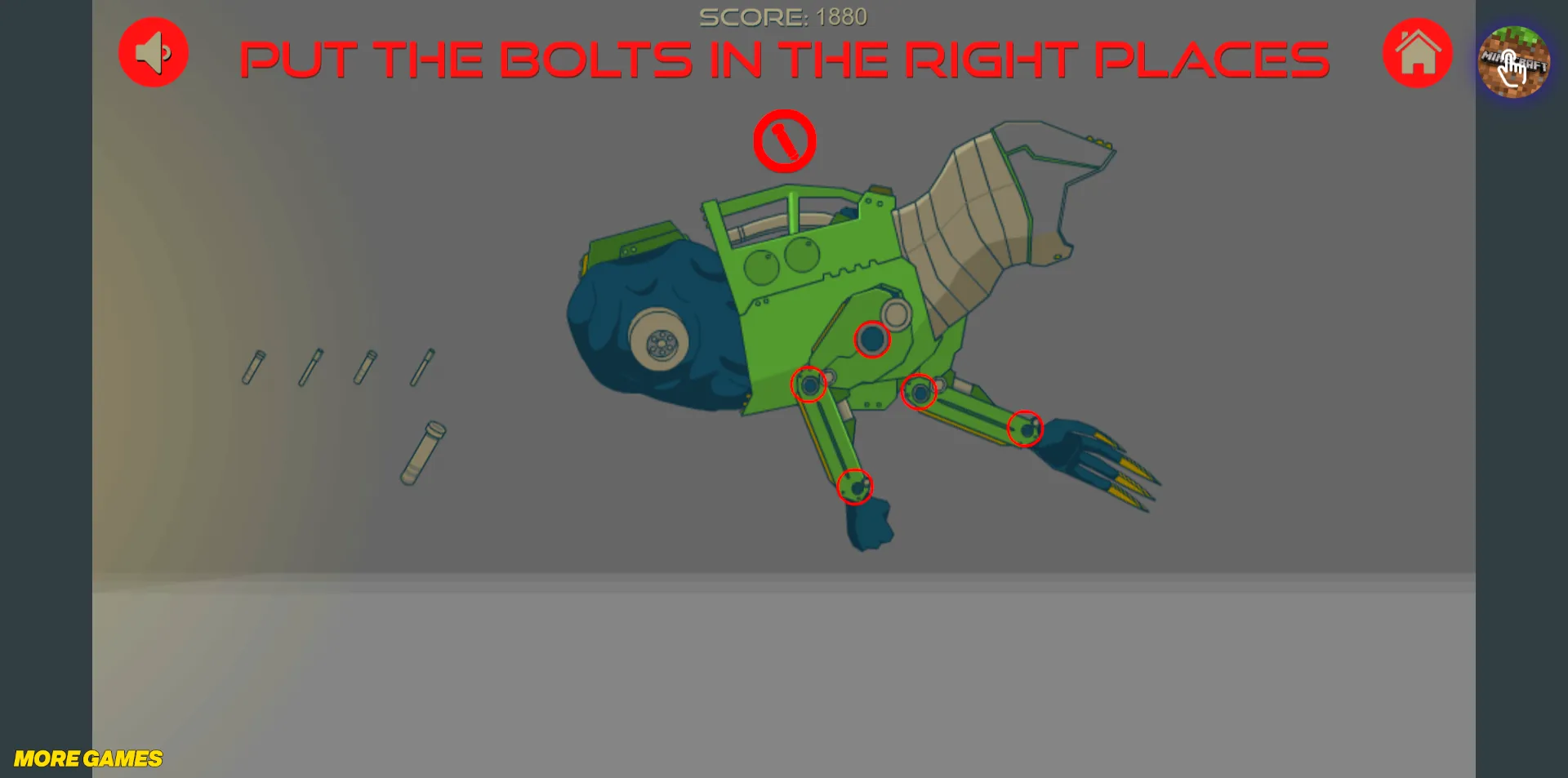
Power Screwdriver: The most common tool. Used to bolt heavy armor plates directly onto the internal frame. Screwing these in tightly ensures the mech won't fall apart in battle.
-
Heavy Wrench: Used to lock down massive joints and hydraulic pistons, especially on the legs and heavy weapon mounts, guaranteeing the mech's weight is supported.
-
Alloy Nippers: Used in the very first step to cleanly snip the plastic/metal parts off the runner boards without damaging the components.
-
Plasma Grinder: Used to shave down thick armor plates, trim excess metal, and smooth out the connection joints for a perfect fit.
-
Heat Airbrush / Paint Gun: The heat gun is used for applying decals or weathering effects. The Paint Gun is used to apply base coats and protective finishes, giving the mech its striking colors.
-
Polishing Pad: The final touch! Buffs the armor to a mirror shine, making your machine look factory-fresh and razor-sharp.
🦾 Action Showcase System
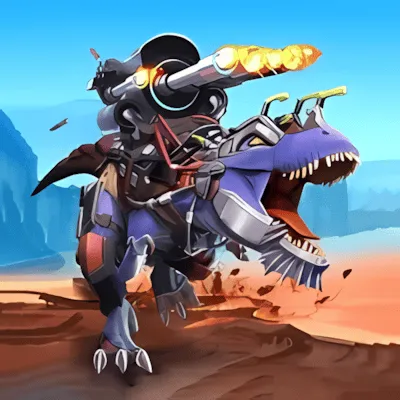
The reward for your hard work! In Mechabots, a finished robot isn't just a statue. In Showcase mode, you can command it to unleash a variety of spectacular combat animations and special effects:
-
CLAW: The T-Rex lunges forward and slashes with its razor-sharp mechanical claws.
-
GUN: The mech fires its standard kinetic machine guns, demonstrating rapid-fire suppression.
-
FLAME: The beast opens its jaws and unleashes a massive, roaring torrent of fire.
-
ROCKETS: The shoulder pods open, launching a devastating barrage of high-explosive missiles.
-
COMBO: A brutal melee chain attack utilizing leg stomps, tail whips, and claw swipes.
-
BULLET RAIN: The ultimate barrage! Guns and rockets fire simultaneously, covering the screen in destruction.
-
DRAGON: An advanced, stylized elemental fire attack.
-
INFERNO: The ultimate finisher. The mech goes into overdrive, releasing an earth-shattering nuke of fire and plasma!
⌨️ Game Controls
Select Tool/Part: Mouse Click.
Use Tool/Drag Part: Click and hold Mouse to drag.
Frequently Asked Questions
The basic combat actions are completely free and unlocked the moment you finish building the mech. However, some of the ultimate, high-tier cinematic attacks (like Inferno) might require you to spend in-game diamonds you've earned to unlock them.
Not at all. There is absolutely zero time pressure. Take your time snipping, placing, and polishing. It's meant to be a relaxing, Zen-like model building experience.
Yes. The robot is offline until the assembly is 100% complete. You cannot enter Showcase Mode or fire the weapons until the final piece of armor is bolted on!